
Built-in Image Editor
Edit images directly in ImageKit with crop, resize, filters, and other transformations without leaving your browser.
How to use AI-powered editing and apply transformations to multiple images
- Right-click an image and select 'Image Editor' to open the editing interface.
- Use AI to change the image background by entering a descriptive prompt.
- Click 'Apply' to generate and apply the AI-generated background instantly.
- Add additional transformations such as contrast adjustments to enhance your image.
- View all applied transformations as hierarchical layers in the Transformations section.
- Add more images from your Media Library to apply the same transformations.
- Observe that newly added images automatically receive all previously applied transformations.
- Apply new transformations that will affect all images in the editor.
- Hide transformation layers to focus on specific edits.
- Use the options menu to reorder, edit, or delete layers for fine-tuning.
- When finished, copy the image URL for immediate use.
- Export all edited images as a ZIP file for download.
- Alternatively, export only the image URLs as a CSV file.
Explore More Demos
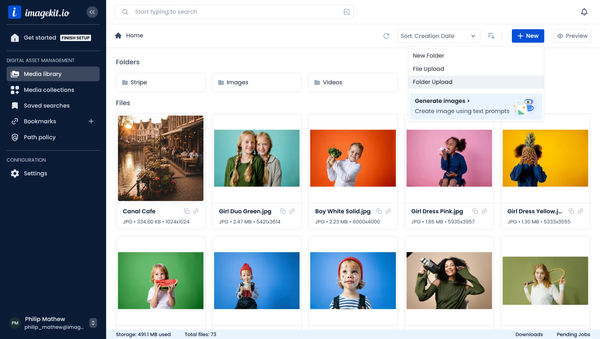
Upload Assets to ImageKit DAM
Easily upload and manage your assets in ImageKit's DAM with support for bulk uploads, drag-and-drop, and multiple file formats.
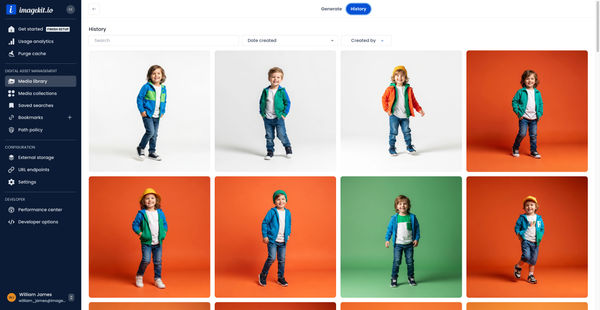
Generate Images with AI
Use AI-powered image generation to create stunning visuals, extend images, and generate backgrounds automatically.
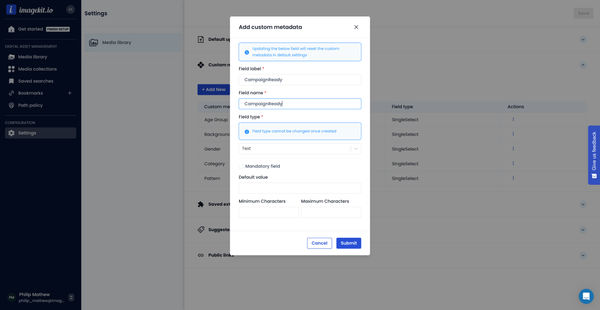
Custom Metadata In ImageKit DAM
Structure and organize your media library with custom metadata fields for easy asset discovery and management.

AI Tasks for tagging and metadata
See how to use ImageKit's AI Tasks to automatically tag and classify assets in your DAM, making them instantly searchable and organized.
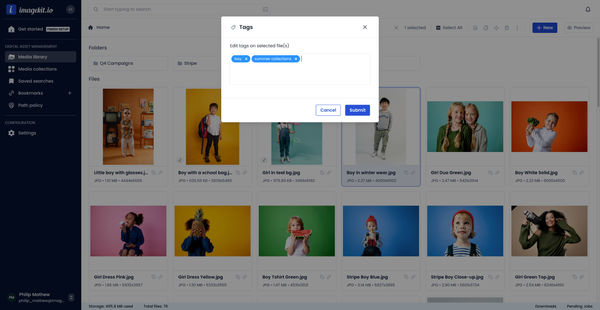
Manual and Standard AI Asset Tagging
Use Google and AWS AI services to tag and categorize your assets to make them instantly searchable and properly organized.
AI-generated image descriptions
Automatically generate descriptive captions for your images using AI, enhancing searchability and accessibility.