
Manual and Standard AI Asset Tagging
Use Google and AWS AI services to tag and categorize your assets to make them instantly searchable and properly organized.
How to organize assets with manual tags, AI tags, and descriptions
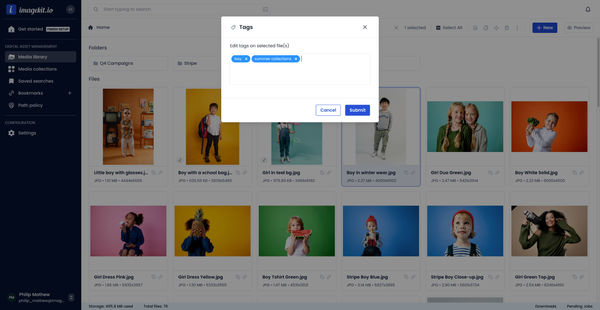
- Right-click the asset you want to tag and select 'Manage tags'.
- Choose from existing tags or create new ones by typing a new tag label.
- Click the remove icon to delete any unwanted tags, then click 'Submit' to save your changes.
- Select multiple assets to tag them in bulk by right-clicking and choosing 'Add bulk tags'.
- Apply tags to all selected assets by choosing from existing tags or creating new ones, then click 'Submit'.
- Navigate to the 'Suggested Tags' section to manage all tags in your Media Library.
- Right-click an asset and select 'Tags', then choose 'Add auto tags' to apply AI-generated tags.
- Select either Google Cloud Vision, Amazon Rekognition, or both services for AI tagging.
- Set the minimum confidence score to filter out low-confidence tags.
- Choose the number of tags to apply to your asset, then click 'Add auto tags'.
- View all applied tags on the asset details page or using the preview option.
- Remove any tag by clicking the X icon next to it, then click 'Confirm' to complete the removal.
Explore More Demos
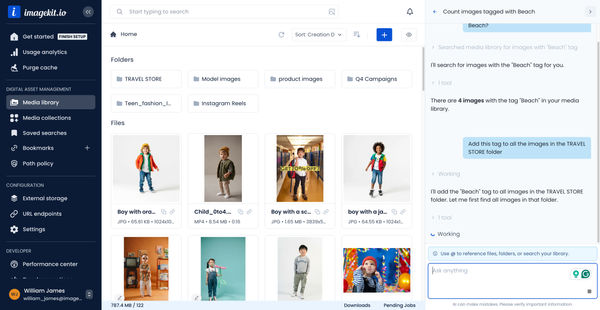
DAM Agent
Manage your media library through natural language with DAM Agent, an AI assistant that searches, tags, organizes, and operates on assets for you.
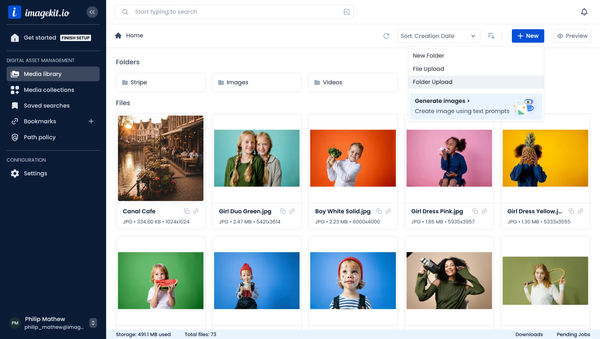
Upload Assets to ImageKit DAM
Easily upload and manage your assets in ImageKit's DAM with support for bulk uploads, drag-and-drop, and multiple file formats.
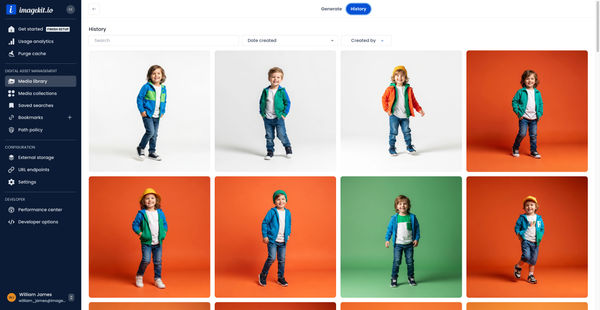
Generate Images with AI
Use AI-powered image generation to create stunning visuals, extend images, and generate backgrounds automatically.
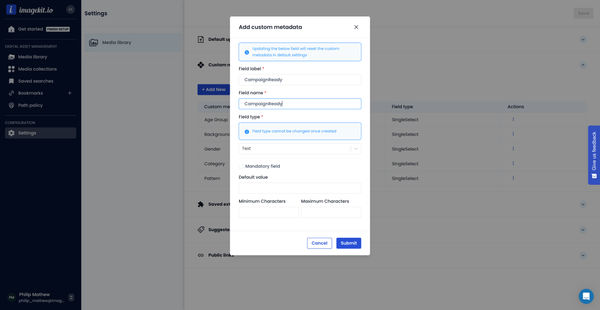
Custom Metadata In ImageKit DAM
Structure and organize your media library with custom metadata fields for easy asset discovery and management.

AI Tasks for tagging and metadata
See how to use ImageKit's AI Tasks to automatically tag and classify assets in your DAM, making them instantly searchable and organized.
Manual and Standard AI Asset Tagging
Use Google and AWS AI services to tag and categorize your assets to make them instantly searchable and properly organized.