
File and Folder Operations in DAM
Manage files and folders in ImageKit with copy, move, rename and other operations.
How to create folders and manage files with copy, move, and rename operations
- Click 'New' and select 'New Folder' from the menu to create a new folder.
- Name your folder and choose whether to keep default values or set custom metadata.
- Select 'Set custom metadata' and add relevant custom metadata fields for your folder.
- Click 'Create' to complete the folder creation process.
- Right-click an asset, select 'Organize', then choose 'Move to' to relocate it.
- Select the destination folder and confirm to move the asset.
- Right-click a folder, select 'Organize', then choose 'Copy to' to duplicate it.
- Navigate to the destination folder and decide whether to include file versions using 'Include File Versions'.
- Click 'Copy here' to complete the copy operation.
- To rename a file or folder, select 'Organize' from the right-click menu, then choose 'Rename'.
- Enter a descriptive name for your workflow needs.
- Select 'Purge CDN cache' if needed, then click 'Submit' to apply the rename.
Explore More Demos
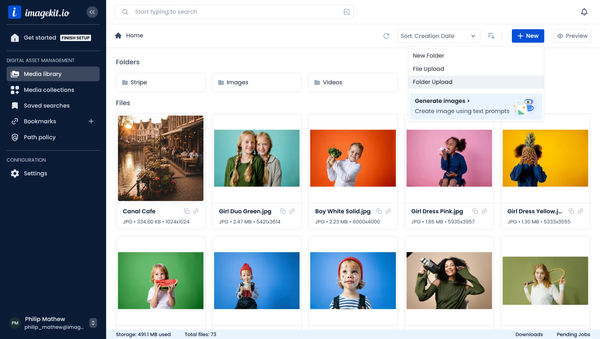
Upload Assets to ImageKit DAM
Easily upload and manage your assets in ImageKit's DAM with support for bulk uploads, drag-and-drop, and multiple file formats.
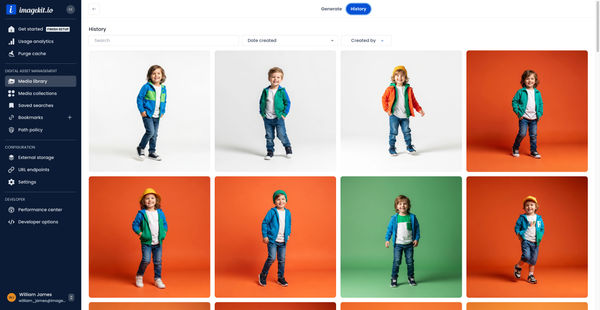
Generate Images with AI
Use AI-powered image generation to create stunning visuals, extend images, and generate backgrounds automatically.
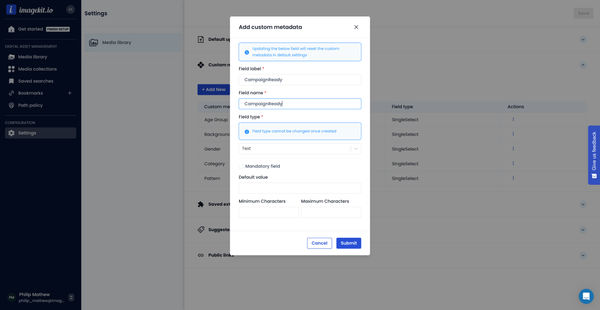
Custom Metadata In ImageKit DAM
Structure and organize your media library with custom metadata fields for easy asset discovery and management.

AI Tasks for tagging and metadata
See how to use ImageKit's AI Tasks to automatically tag and classify assets in your DAM, making them instantly searchable and organized.
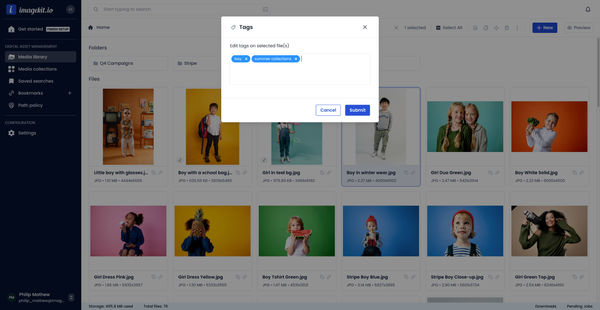
Manual and Standard AI Asset Tagging
Use Google and AWS AI services to tag and categorize your assets to make them instantly searchable and properly organized.
AI-generated image descriptions
Automatically generate descriptive captions for your images using AI, enhancing searchability and accessibility.