
Public Links and Downloading in DAM
Share assets with external stakeholders using Public Links and multiple download options.
How to download assets and share them securely using public links
- Right-click the folder you want to download and select 'Download'.
- Choose from download options: original assets as ZIP, resize for social media, apply custom transformations, or export details as CSV.
- Select 'Custom download' option, click 'Apply transformation', then click 'Download' to get transformed assets.
- Click 'Downloads' to track your download progress and view status.
- When ready, click 'Download' to receive the ZIP file with your folder and assets.
- Right-click the folder, open the Share menu, and select 'Public links'.
- Set a secure password and define the link validity period.
- Enable 'Expose unpublished assets' if you need to share assets in draft state, then click 'Submit'.
- Go to the Manage tab to copy, edit, or delete public links associated with the folder.
- Copy the generated link and share it with external users who can access assets using the password.
- External users can right-click any asset to download it from the public link.
- Track all assets downloaded via public links in the Downloads menu.
Explore More Demos
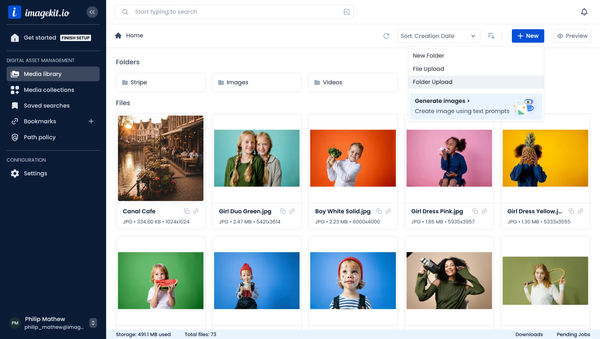
Upload Assets to ImageKit DAM
Easily upload and manage your assets in ImageKit's DAM with support for bulk uploads, drag-and-drop, and multiple file formats.
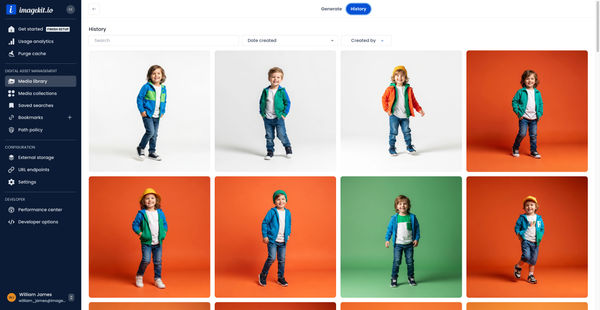
Generate Images with AI
Use AI-powered image generation to create stunning visuals, extend images, and generate backgrounds automatically.
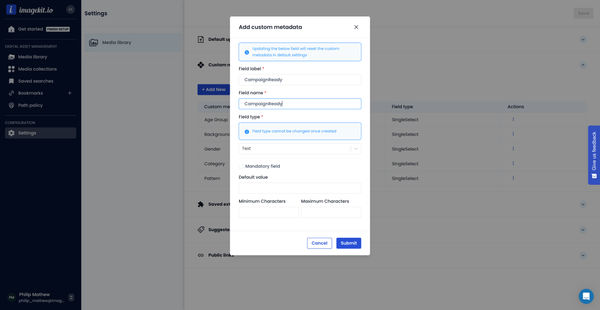
Custom Metadata In ImageKit DAM
Structure and organize your media library with custom metadata fields for easy asset discovery and management.

AI Tasks for tagging and metadata
See how to use ImageKit's AI Tasks to automatically tag and classify assets in your DAM, making them instantly searchable and organized.
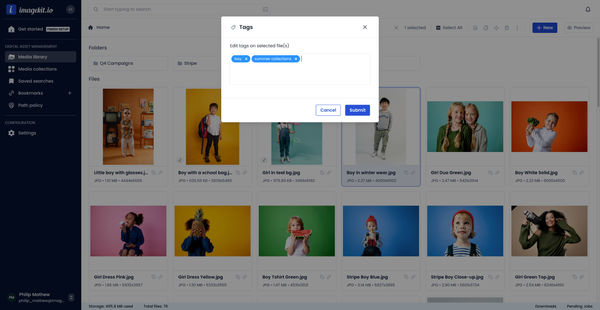
Manual and Standard AI Asset Tagging
Use Google and AWS AI services to tag and categorize your assets to make them instantly searchable and properly organized.
AI-generated image descriptions
Automatically generate descriptive captions for your images using AI, enhancing searchability and accessibility.