
Organize & search assets in ImageKit DAM
Find anything in seconds. Keep every asset structured, searchable, and ready for use, no matter how large your library grows.
Organize with AI-powered metadata, tags, and description
Use LLMs to understand your images, extract structured information, and automatically classify assets, aligned with your business vocabulary.
Configure AI Task instructions in natural language to extract exactly what you need from an image. Ask questions that make sense for your business: "What is the collar type of the tshirt?", "Is this the interior or the exterior of the car?" The LLM analyzes the image and returns structured metadata fields or tags, ready to power search and workflows.


Total control over your metadata structure
Define exactly which metadata fields appear, and which are mandatory, for different folders and workflows.
Ensure critical information is never missed by making key fields required at upload. Improve consistency, compliance, and discoverability across your DAM.

Advanced search built for speed and precision
Go beyond the autocomplete search with powerful filters across tags, custom metadata, file type, size, dimensions, date, and more, and combine them using advanced logic to pinpoint exactly what you need.
Save frequently used queries to instantly access fresh search results and streamline repeat workflows.

Search the way you think: Visual & Natural Language Search
Describe what you're looking for, or use an input image, and let AI do the rest.
Type queries like "sunset on the beach" and instantly see relevant assets based on what's inside an image, even if those exact words aren't in the metadata or file name.


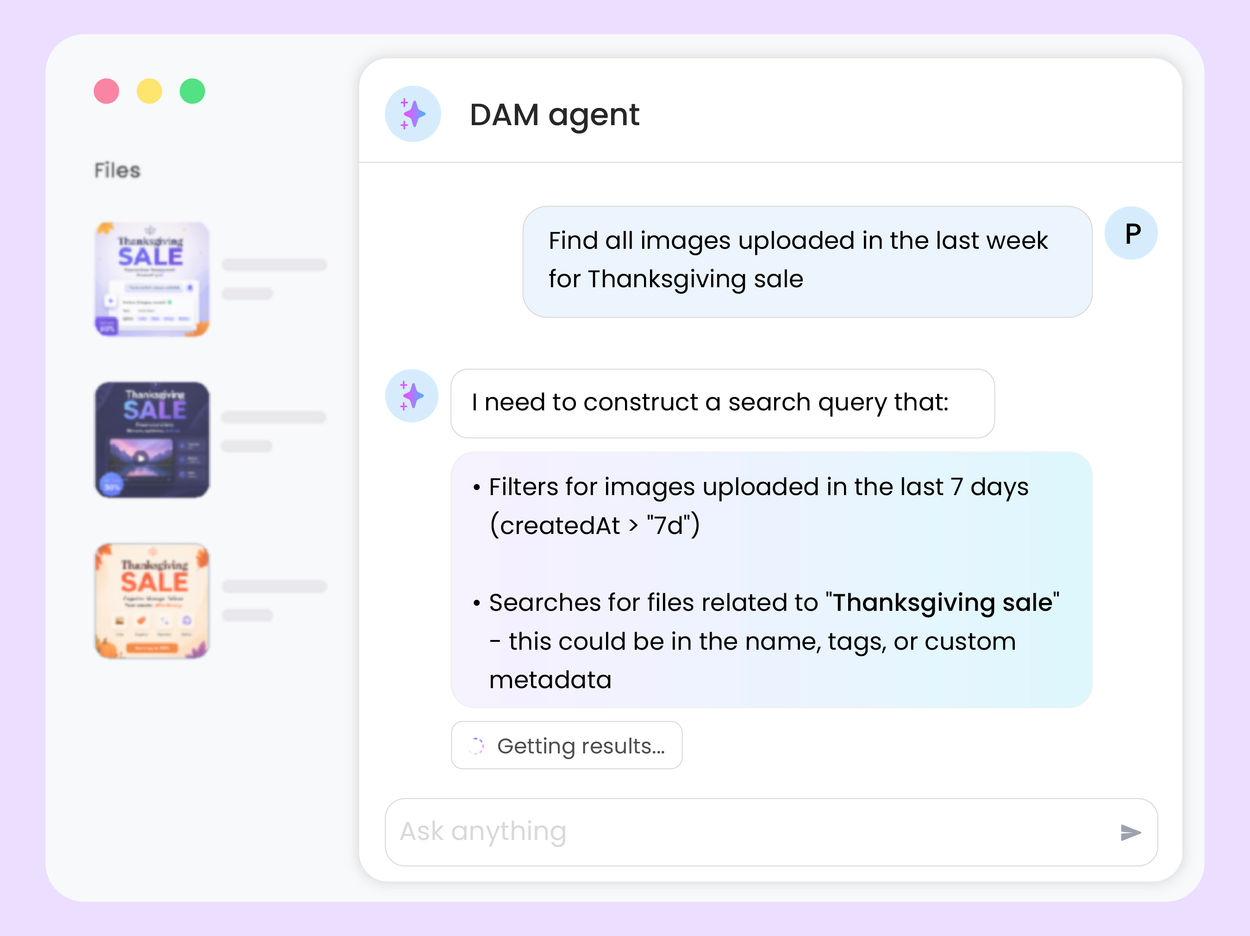
See organization & search in action

AI Tasks for tagging and metadata
See how to use ImageKit's AI Tasks to automatically tag and classify assets in your DAM, making them instantly searchable and organized.
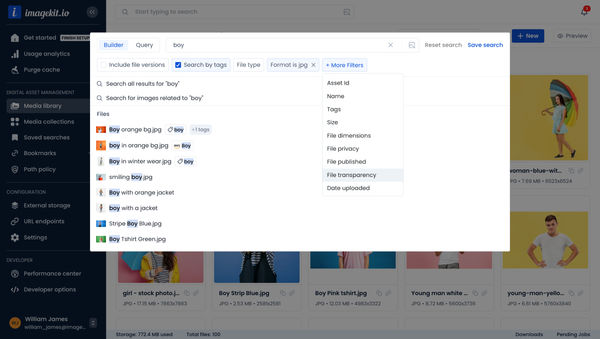
Search Assets in DAM
Find assets quickly with powerful search capabilities including filters, tags, metadata, and AI-powered visual search.
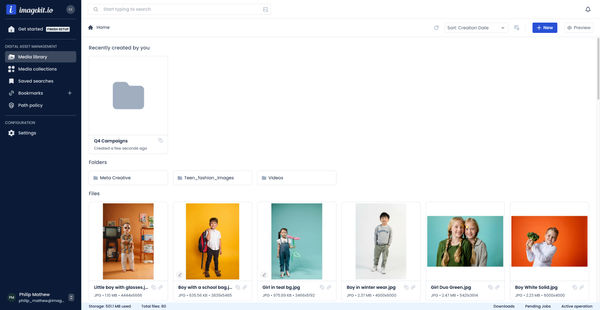
File and Folder Operations in DAM
Manage files and folders in ImageKit with copy, move, rename and other operations.
Integrate DAM with your stack
