
Search Assets in DAM
Find assets quickly with powerful search capabilities including filters, tags, metadata, and AI-powered visual search.
How to search assets using autocomplete, advanced filters, and AI-powered visual search
- Start typing a file name to see how ImageKit's autocomplete lists matching files.
- View file paths in autocomplete suggestions to help narrow down to the right asset.
- Use AI-powered search to find assets visually related to your search term.
- View results that include both files with matching names and visually related content.
- Enable 'Search by tags' filter to include assets tagged with AI or manual tags matching your search.
- Combine multiple filters including custom metadata to narrow down your search results.
- Enable 'Include file versions' filter to see all versions of an asset in search results.
- Switch to query builder view for an intuitive search interface or refine your query manually.
- Click 'Search' to execute your advanced search with all applied filters.
- Save frequently used searches by clicking 'Save search' and providing a name.
- Choose whether to save the search for yourself or share it with your team.
- Access all your saved searches from the saved searches section.
- Use 'Find similar' from the preview or asset details page to locate similar assets.
- Discover matching assets across your entire Media Library without browsing folders manually.
Explore More Demos
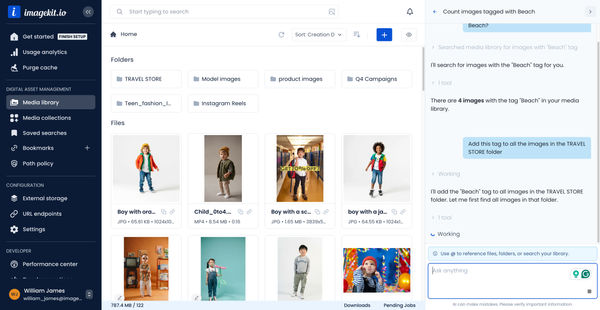
DAM Agent
Manage your media library through natural language with DAM Agent, an AI assistant that searches, tags, organizes, and operates on assets for you.
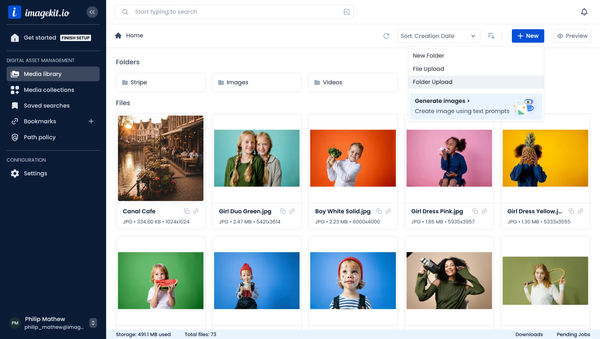
Upload Assets to ImageKit DAM
Easily upload and manage your assets in ImageKit's DAM with support for bulk uploads, drag-and-drop, and multiple file formats.
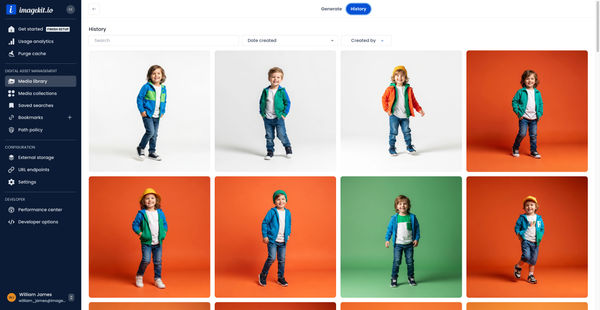
Generate Images with AI
Use AI-powered image generation to create stunning visuals, extend images, and generate backgrounds automatically.
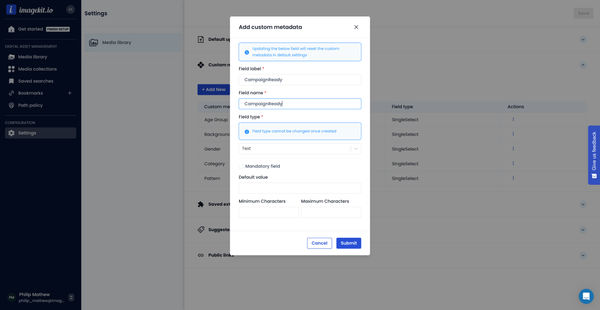
Custom Metadata In ImageKit DAM
Structure and organize your media library with custom metadata fields for easy asset discovery and management.

AI Tasks for tagging and metadata
See how to use ImageKit's AI Tasks to automatically tag and classify assets in your DAM, making them instantly searchable and organized.
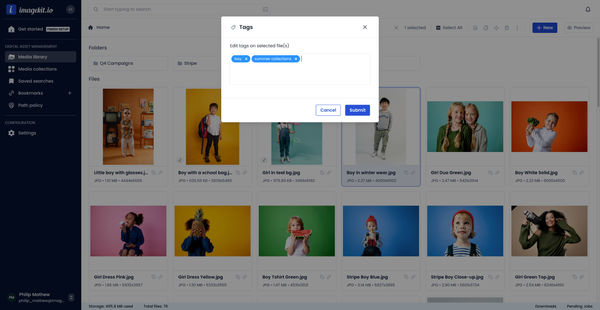
Manual and Standard AI Asset Tagging
Use Google and AWS AI services to tag and categorize your assets to make them instantly searchable and properly organized.