
Audit Logs and Asset History
Track all changes and access to your assets with comprehensive audit logs and detailed asset history.
How to use audit logs and asset history to track all actions in ImageKit DAM
- Navigate to your profile settings and select 'DAM audit logs'.
- Select the user profile you want to audit from the list.
- Choose one or more operations you want to audit and review.
- Set the date range for the audit period.
- Optionally add the file path and request ID for more specific filtering.
- Click 'Submit' to generate the audit report.
- Review all actions taken by the selected user profile for the chosen operations.
- Open an asset's details page and select the 'History' tab to view asset-specific history.
- View user profiles, action types, and timestamps for all actions performed on the asset.
- Use the search bar in asset history to filter for specific types of actions.
- Leverage this information to better manage workflows and track asset changes.
Explore More Demos
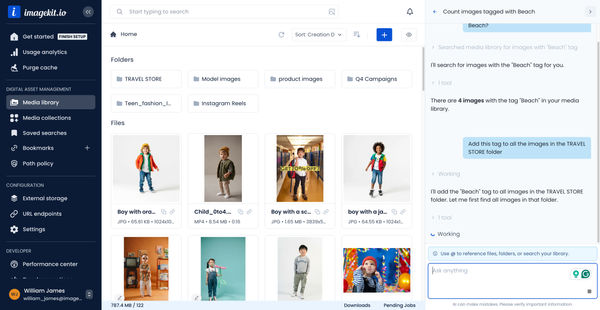
DAM Agent
Manage your media library through natural language with DAM Agent, an AI assistant that searches, tags, organizes, and operates on assets for you.
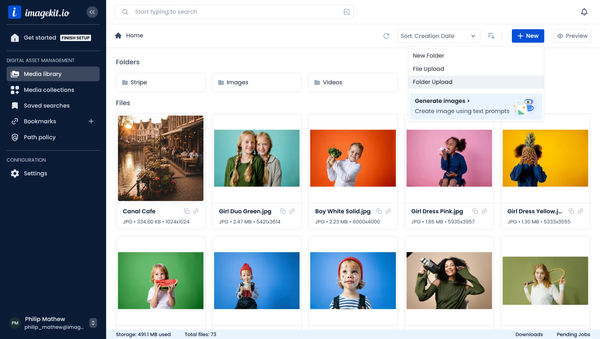
Upload Assets to ImageKit DAM
Easily upload and manage your assets in ImageKit's DAM with support for bulk uploads, drag-and-drop, and multiple file formats.
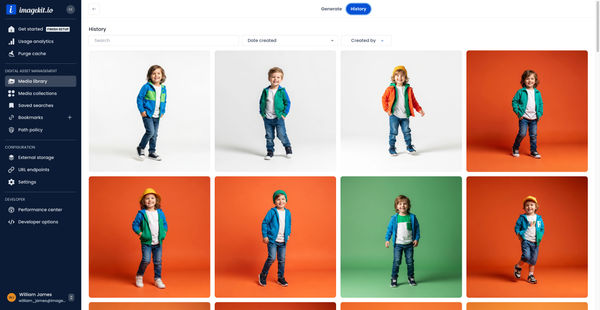
Generate Images with AI
Use AI-powered image generation to create stunning visuals, extend images, and generate backgrounds automatically.
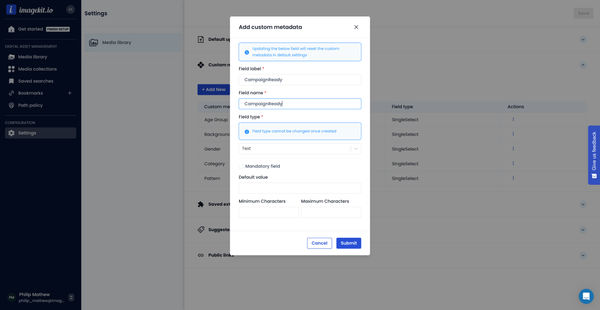
Custom Metadata In ImageKit DAM
Structure and organize your media library with custom metadata fields for easy asset discovery and management.

AI Tasks for tagging and metadata
See how to use ImageKit's AI Tasks to automatically tag and classify assets in your DAM, making them instantly searchable and organized.
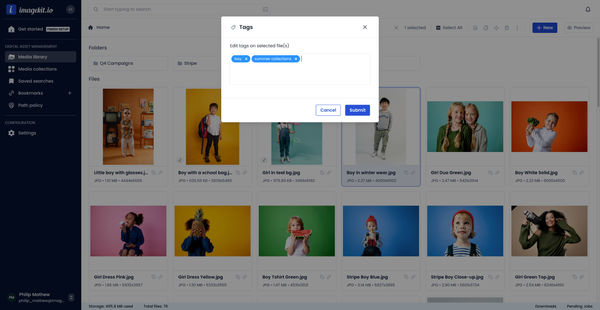
Manual and Standard AI Asset Tagging
Use Google and AWS AI services to tag and categorize your assets to make them instantly searchable and properly organized.