
Media Collections
Create and manage collections to group related assets together for campaigns, projects, or easy sharing.
How to create and share media collections with access control
- Create a new media collection to logically group assets from across your Media Library.
- Add a name for your collection and choose whether to keep defaults or set custom metadata.
- Click 'Create' to finalize the media collection.
- Upload and set a thumbnail image that best represents the collection.
- Select assets in Media Library, right-click, and choose 'Add to Media collection'.
- Select the target collection from the drop-down and click 'Submit' to add assets.
- Remove assets from a collection by selecting them and using the remove option.
- Right-click the media collection to access options: rename, delete, download as ZIP, or share.
- Choose 'Share' from the menu and click 'Invite+' to manage sharing settings.
- View all Media Library Restricted Access users and user groups available for sharing.
- Select the user or user group you want to share the collection with.
- Choose the appropriate access level (Can view, Can edit, etc.) for the shared collection.
- Click 'Submit' to share the media collection with selected users at the chosen access level.
- Verify the sharing by checking the shared user's profile and confirming their access.
- Understand that access levels control what users can do with shared collections, such as view-only or download permissions.
Explore More Demos
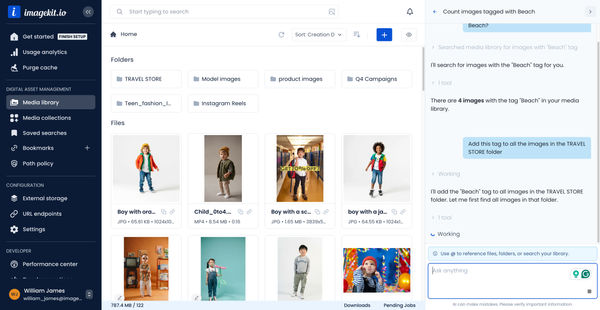
DAM Agent
Manage your media library through natural language with DAM Agent, an AI assistant that searches, tags, organizes, and operates on assets for you.
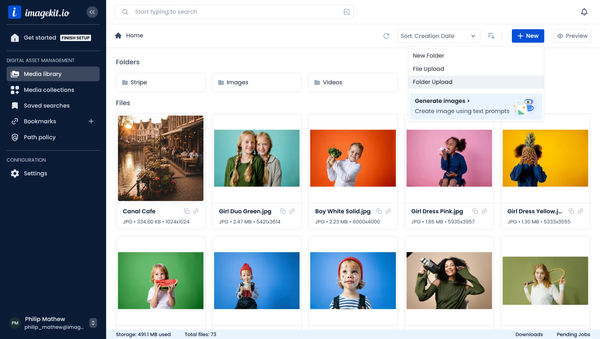
Upload Assets to ImageKit DAM
Easily upload and manage your assets in ImageKit's DAM with support for bulk uploads, drag-and-drop, and multiple file formats.
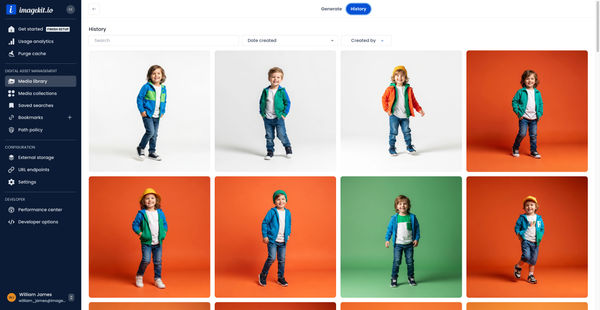
Generate Images with AI
Use AI-powered image generation to create stunning visuals, extend images, and generate backgrounds automatically.
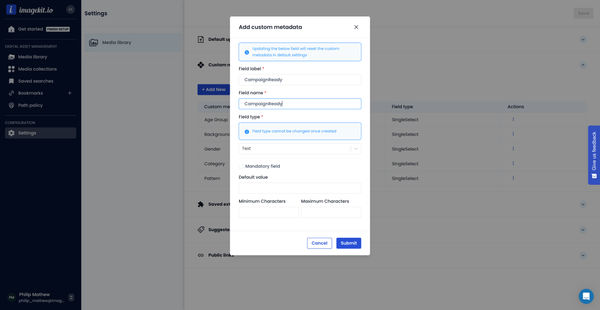
Custom Metadata In ImageKit DAM
Structure and organize your media library with custom metadata fields for easy asset discovery and management.

AI Tasks for tagging and metadata
See how to use ImageKit's AI Tasks to automatically tag and classify assets in your DAM, making them instantly searchable and organized.
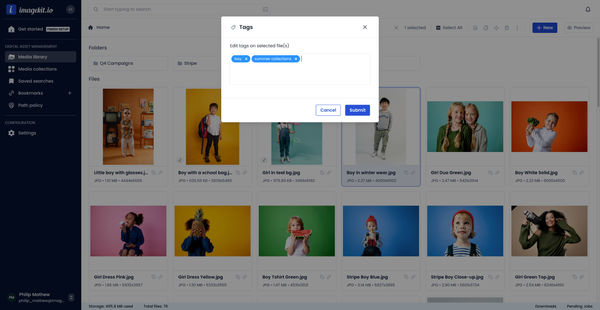
Manual and Standard AI Asset Tagging
Use Google and AWS AI services to tag and categorize your assets to make them instantly searchable and properly organized.