
Video API
A Video API allows developers to add short-form and long videos to web apps, offering upload, storage, URL-based video manipulation, encoding, adaptive bitrate streaming, and optimized CDN delivery.

Add videos to your product in minutes
Plan your integration
Whether you store assets across different locations or you plan to migrate to a new cloud platform, ImageKit guarantees real-time optimized delivery, transformations, and streaming for your videos.
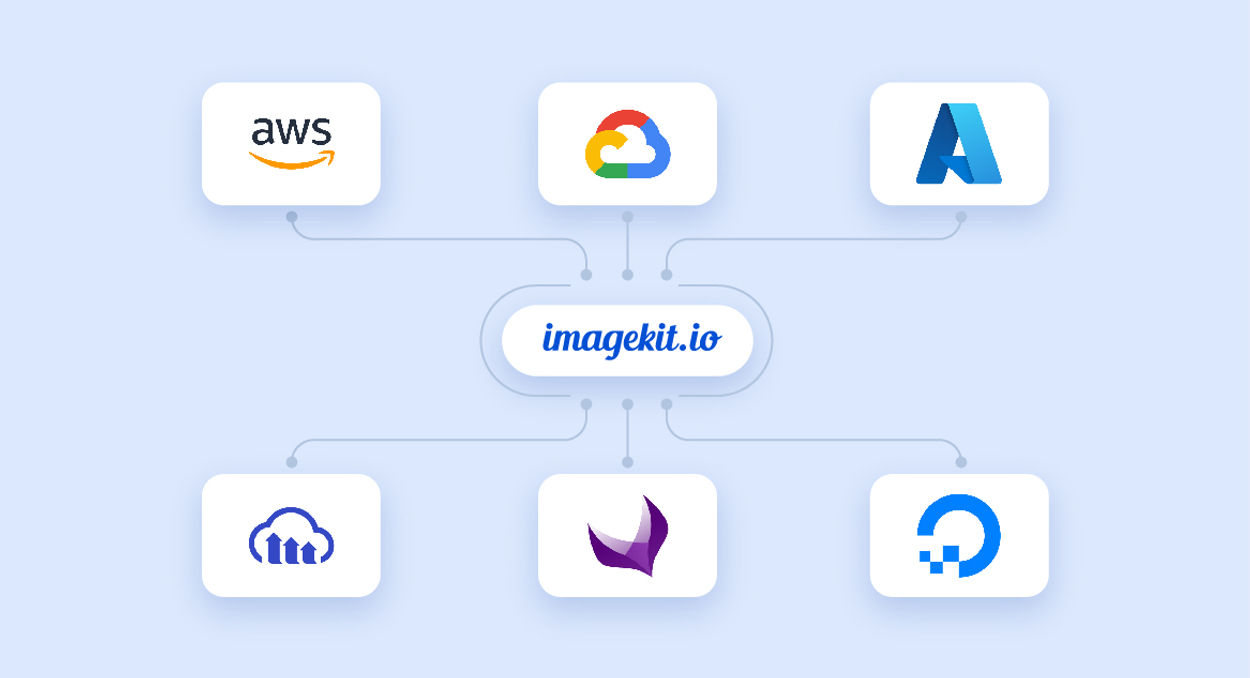
With ImageKit's upload APIs, every digital asset, regardless of its source or destination, finds its home in ImageKit's DAM—a unified asset repository that simplifies your business processes across teams and apps.
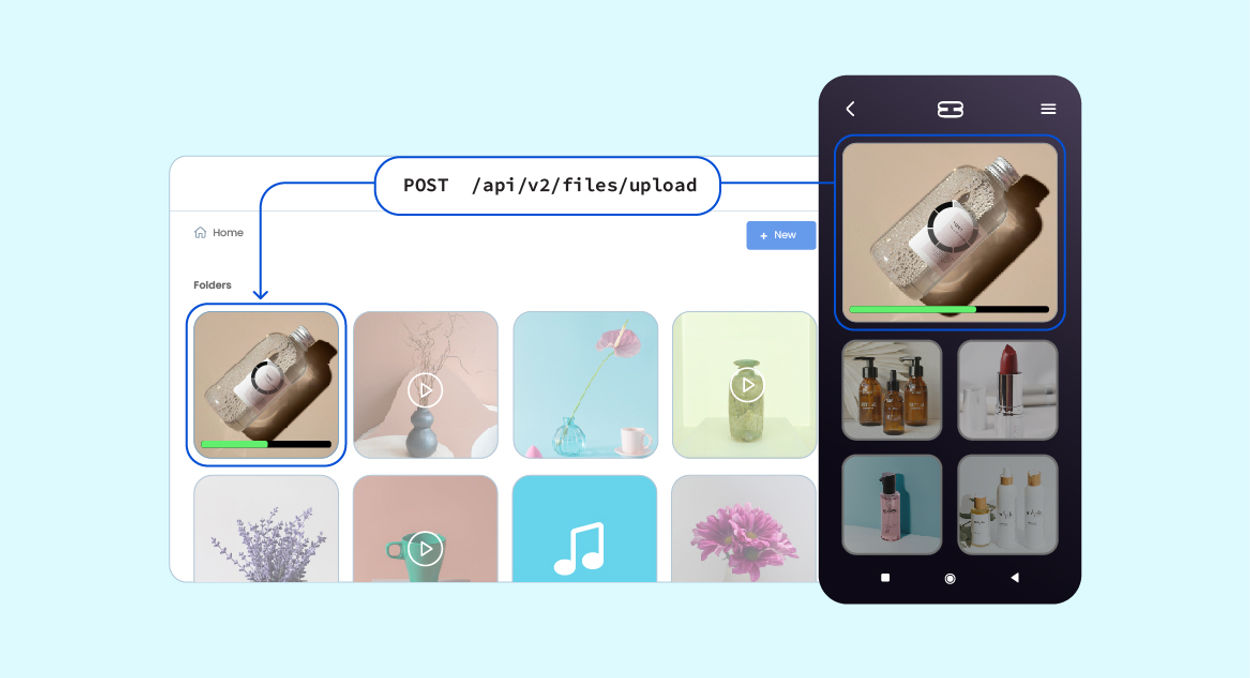
Transform and personalize at scale
Transform your videos in real time by adding resize, crop, and other parameters to your URL.
Adjust the aspect ratio on the fly to meet vertical, square, or other platform-specific requirements.

Optimize and stream videos
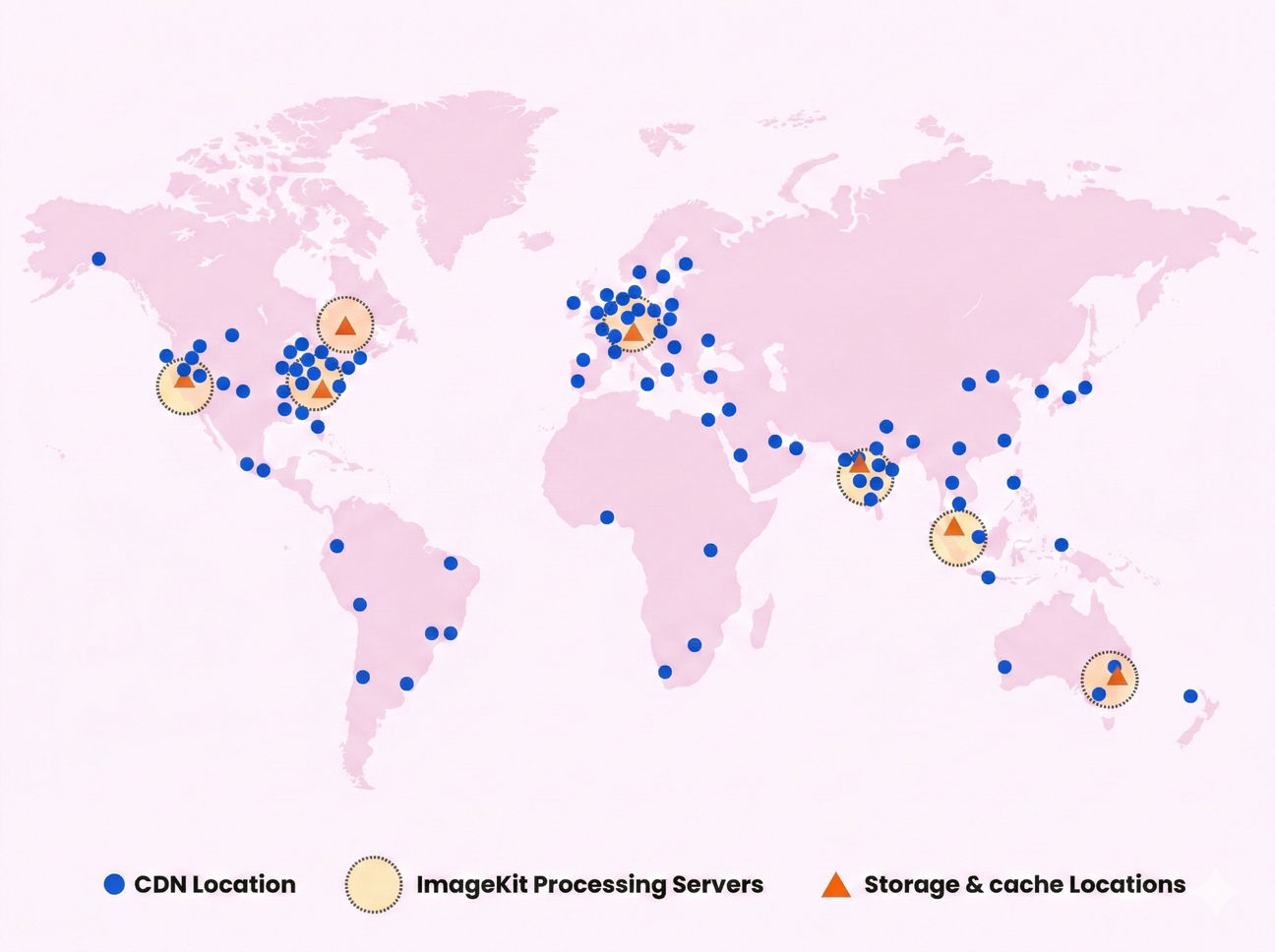
ImageKit's Video API automatically converts videos to the optimal format and quality level based on the user's device. It supports the latest codecs, such as VP9 and AV1.


Build YouTube-like video experiences on your own website
Give users the interactive playback experience they expect, without sending them to another platform. ImageKit's AI-powered video player brings subtitles, chapters, playlists, recommendations, and more to your website or app - customizable and under your control.
Automatically transcribe videos and display subtitles in 100+ languages, with word-level highlighting that keeps viewers in sync.
Use AI-generated subtitles, bring your own WebVTT files, or combine both for a polished viewing experience.


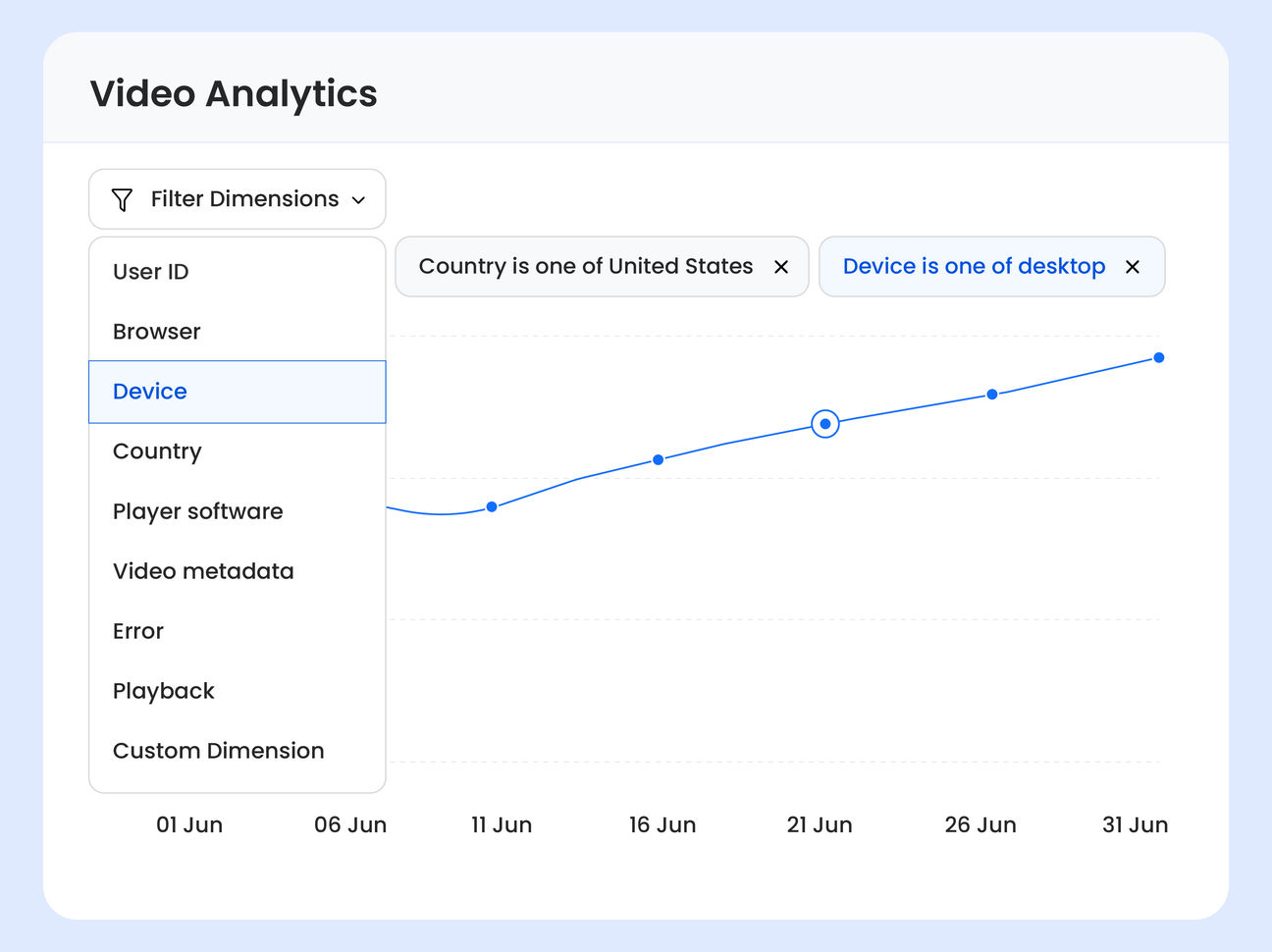
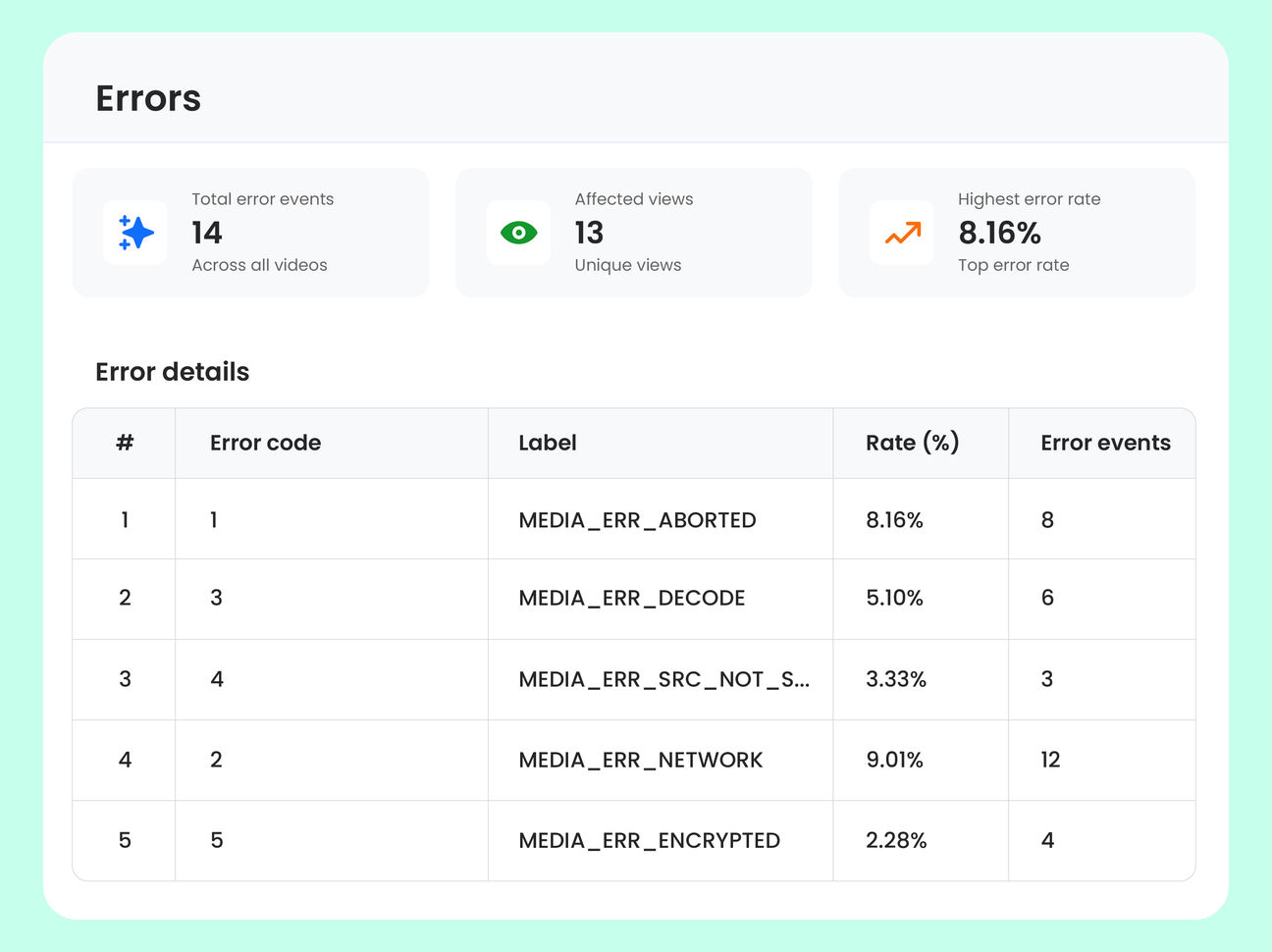
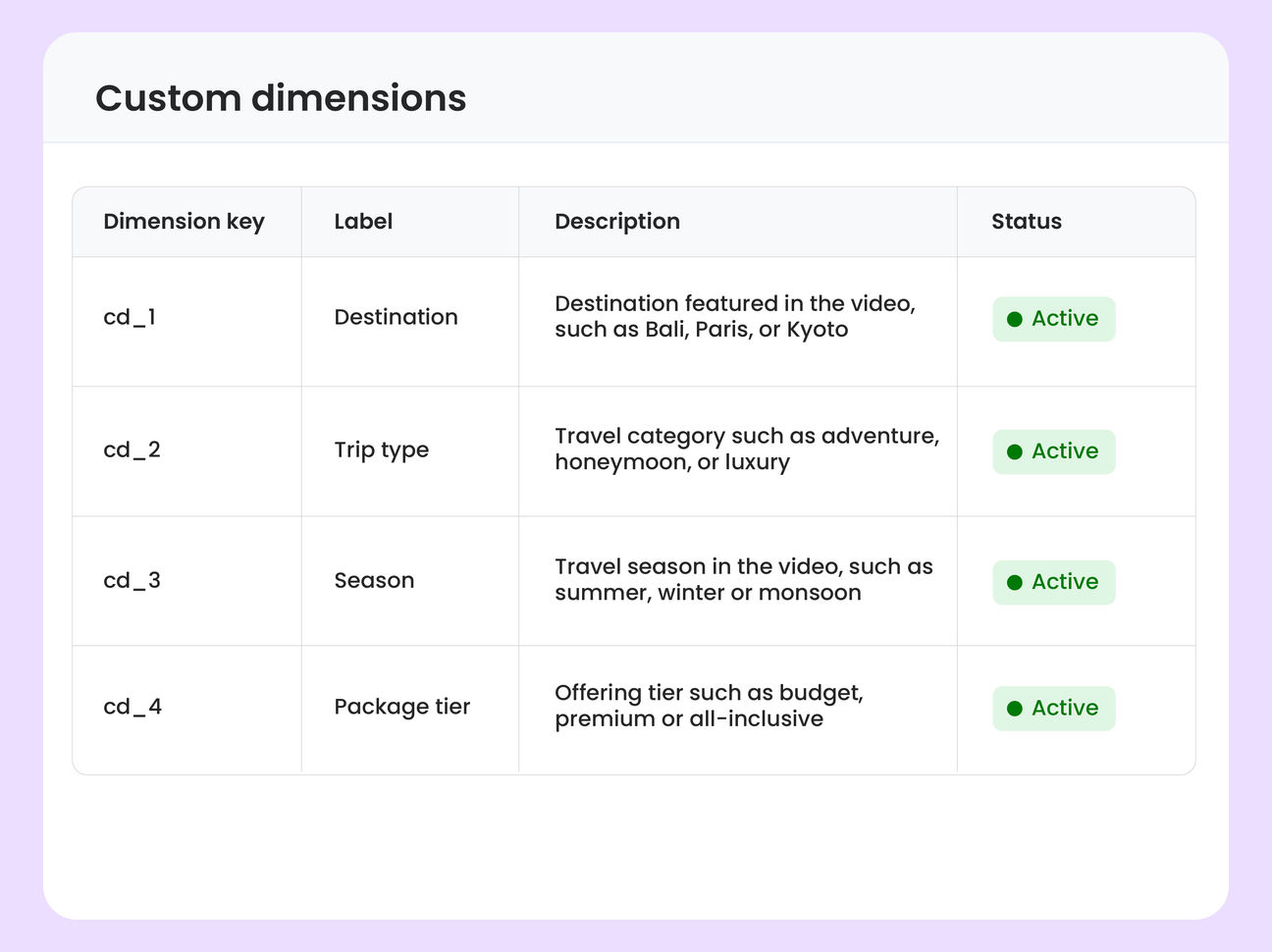
Measure engagement and quality with video analytics
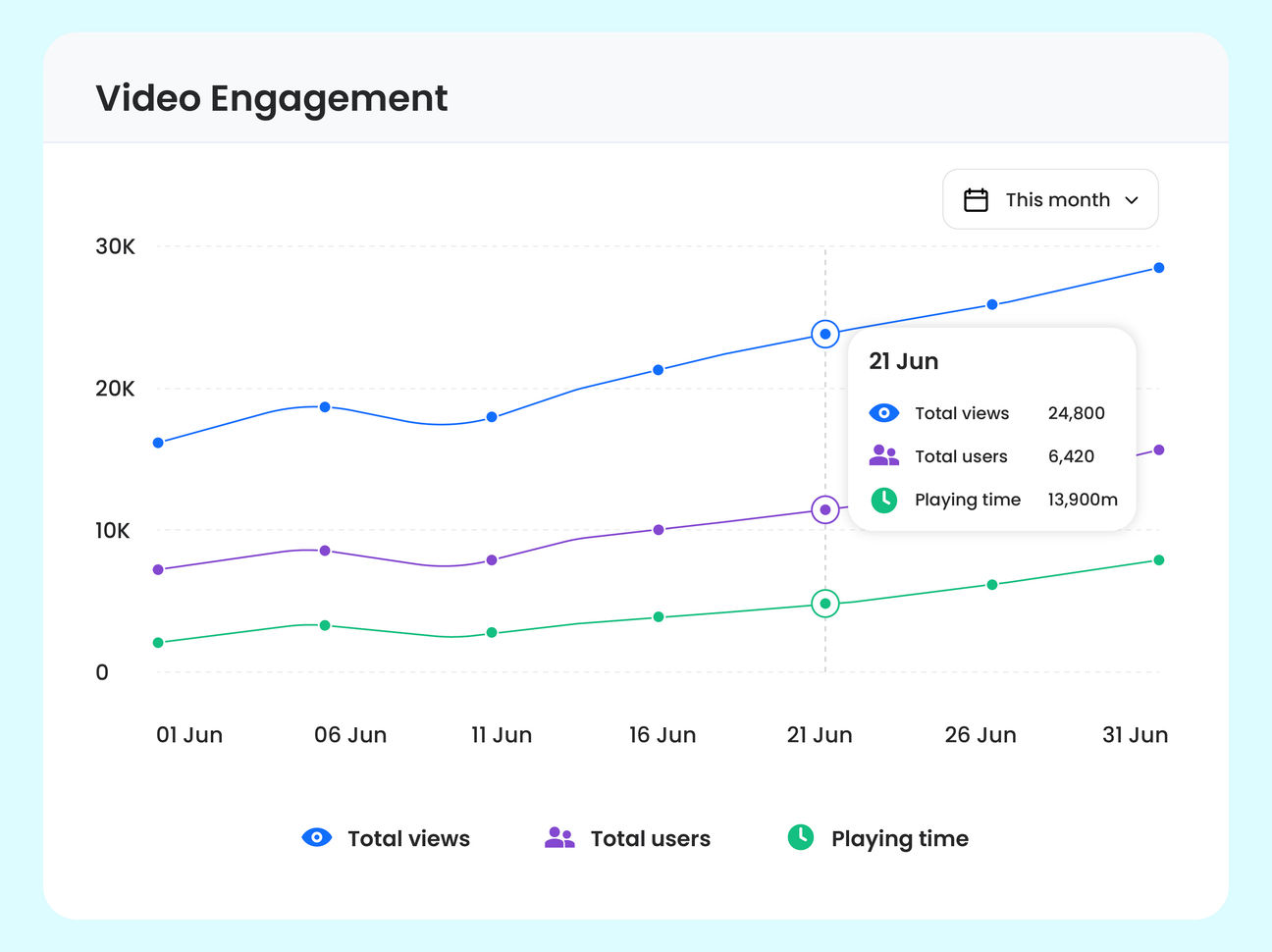
Video Analytics is built into ImageKit's video player - no third-party integrations, no cookies, and no PII collected by default. Track viewer engagement, quality of experience, and errors to understand how your videos perform and where to improve.
See total views, total users, and playing time on a single engagement timeline, plus playback completion and audience retention curves — all out of the box. Understand who watches, how long, and where they drop off to optimize your video content.

Customer stories



SDKs & Integrations
Frequently Asked Questions
A Video API allows developers to add short-form and long videos to web apps. It offers upload, storage, URL-based video manipulation, encoding for optimal playback on different devices, adaptive bitrate streaming, and optimized CDN delivery.
A Video API consolidates multiple tools into a single solution, streamlining workflows and simplifying the architecture for video management. Developers can use URL-based transformations to adapt videos at scale and deliver optimized video experiences across platforms.
Whether you are serving a short video on a landing page, a product video on an e-commerce site, or a video tutorial on a learning platform, a Video API can help you create engaging video experiences. Other use cases include video conferencing, live streaming, and video-sharing platforms.
Key features include video upload and storage, URL-based video manipulation, encoding for different devices, adaptive bitrate streaming, secure delivery, and analytics.
Adaptive bitrate streaming adjusts the quality of a video stream in real-time based on the viewer’s network conditions and device capabilities, ensuring smooth playback with minimal buffering even on low-bandwidth connections. Learn more.
With a Video API, developers can easily integrate videos into their applications, reduce development time, and focus on creating engaging user experiences. The API handles video processing, optimization, and delivery, allowing developers to scale their video offerings without worrying about infrastructure.
Video API provides URL-based transformations to add text, images, and videos over videos. This flexibility allows developers to create personalizations at scale and deliver unique video experiences to users.
Video manipulation features typically include cropping, resizing, adding watermarks or text overlays, adjusting colors, applying filters, trimming videos, generating thumbnails, and more. ImageKit also offers AI-powered smart crop that automatically tracks faces, people, or any of 80+ objects throughout the video, making it easy to repurpose content for different aspect ratios. These transformations can be applied in real time using URL parameters.
A Video API typically supports various video formats such as MP4, WebM, HLS, DASH, and others, ensuring compatibility with different devices and platforms.
ImageKit offers enough Video processing units (VPUs) to get started with the Video API. You can create a free account to start using the Video API and explore its features.
File size limitations vary depending on your plan type. ImageKit Video API is enterprise-grade, and limits can be customized to specific requirements. Learn more.
ImageKit's Video API processes videos only once and caches them forever. At the moment, we don't charge for this managed storage but only for the VPU consumed during processing and bandwidth consumed during delivery. Learn more.
Video processing time depends on the size of the video and the number of transformations applied. ImageKit's Video API is designed to process small to large videos in near real-time, ensuring quick delivery and optimal performance. Learn more from docs about first-time request processing.