
Creative Automation
Build on-brand templates with variables and generate hundreds of banner variations at scale, either manually or in bulk via CSV, then export them to your Media Library.
How to build reusable templates and generate on-brand banners at scale
- Create a new template and pick a canvas size to use as your reusable blueprint.
- Add image layers for the product and logo, positioning each on the canvas.
- Add text layers for details like product category and discount.
- Turn the layers you want to change into variables to make the template reusable.
- Click 'Use Template' and start a new job to generate banners.
- Choose to add inputs manually or in bulk via CSV.
- Enter variable values manually and preview each banner variation in real time.
- Use AI Assist to generate new variations, find assets, and translate copy.
- For bulk creation, upload a CSV and map its columns to the template variables.
- Review the generated banners and export them to a Media Library folder.
- Use each banner's individual URL across websites, social media, and ads.
Explore More Demos
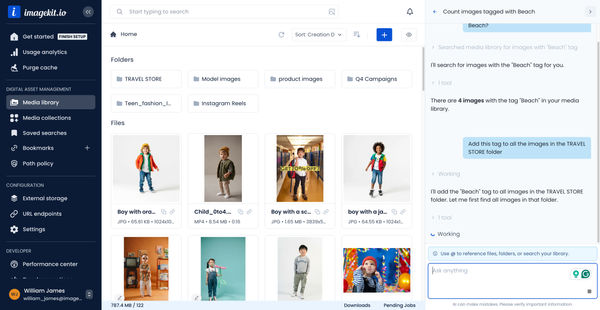
DAM Agent
Manage your media library through natural language with DAM Agent, an AI assistant that searches, tags, organizes, and operates on assets for you.
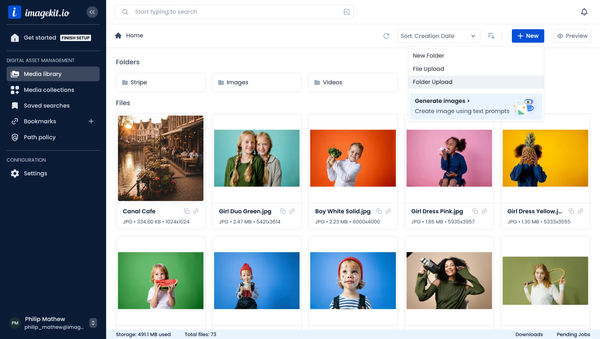
Upload Assets to ImageKit DAM
Easily upload and manage your assets in ImageKit's DAM with support for bulk uploads, drag-and-drop, and multiple file formats.
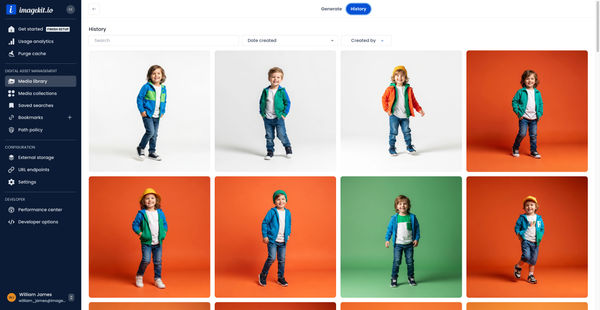
Generate Images with AI
Use AI-powered image generation to create stunning visuals, extend images, and generate backgrounds automatically.
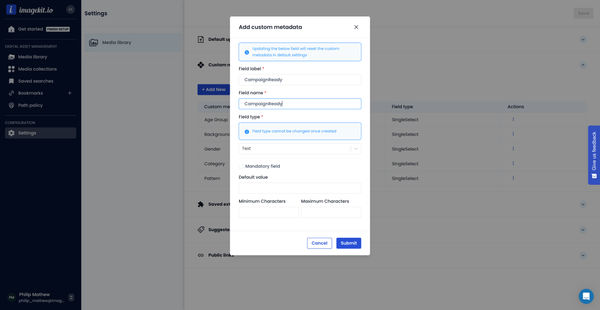
Custom Metadata In ImageKit DAM
Structure and organize your media library with custom metadata fields for easy asset discovery and management.

AI Tasks for tagging and metadata
See how to use ImageKit's AI Tasks to automatically tag and classify assets in your DAM, making them instantly searchable and organized.
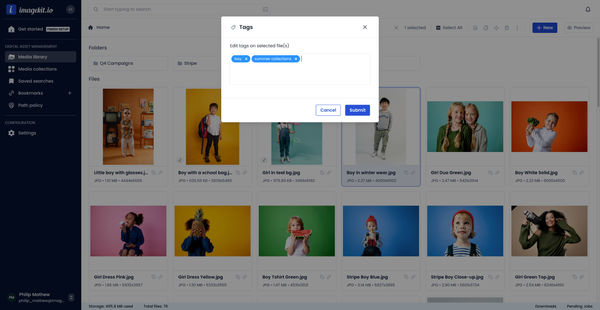
Manual and Standard AI Asset Tagging
Use Google and AWS AI services to tag and categorize your assets to make them instantly searchable and properly organized.